


One operating system. Your whole ISP, one login.
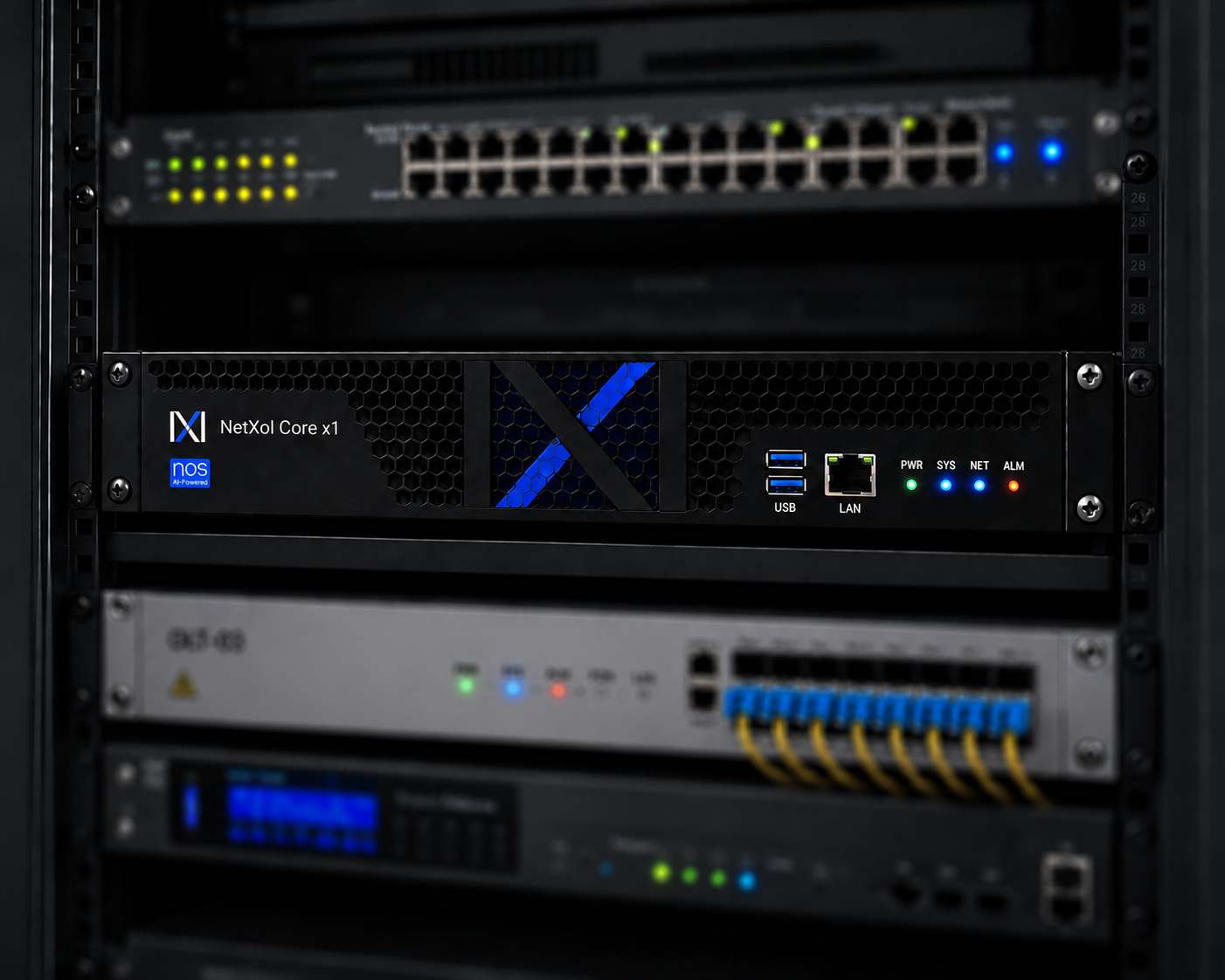
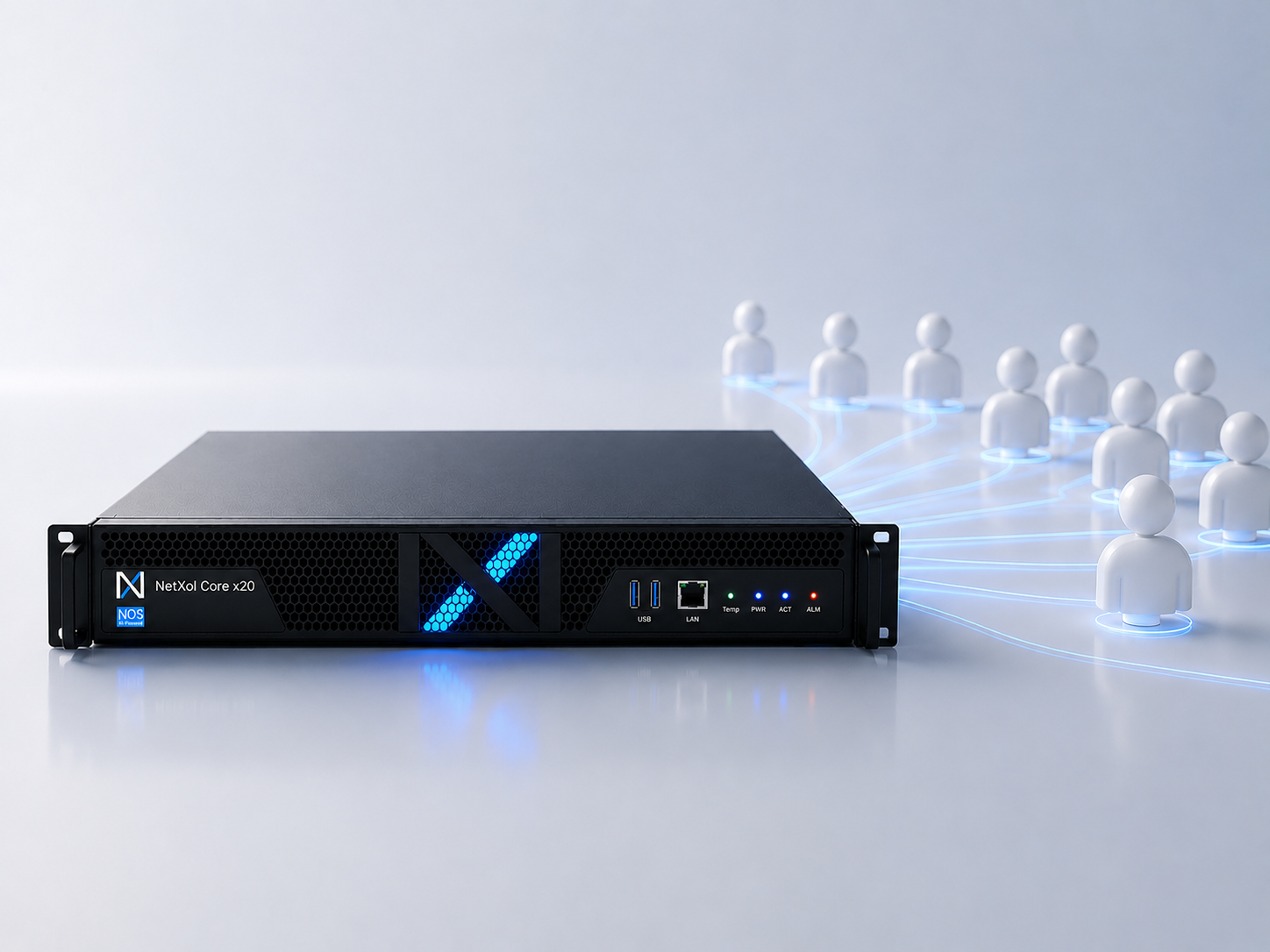
NOS is what runs on every Netxol Core. Network operations, subscriber lifecycle and business back-office under one product, one database and one audit trail — with an AI engine that already knows how to use them.
- Version 1.2 · Aurora
- Free Community edition
- 3-year LTS backports
- On-premise by design
Six ideas the operating system is built around.
If you have watched an operator stitch a NOC, a CRM and an ERP together with brittle scripts, you already know the problem. NOS is what the answer looks like.
One environment, whole ISP
Network telemetry, subscriber records and finance all live under the same operating system — with the same identity, the same audit trail, and the same permissions model.
AI is not an add-on
The AI Engine ships with NOS and shares its data layer. Every module can be driven, queried and repaired through natural language from day one.
Every operator, one browser tab
The whole ISP team logs in — engineers, care agents, field crews, finance — with role-scoped consoles and a single audit trail behind every action.
Runs on-premise, by design
NOS lives inside your rack. Your subscriber data never leaves your appliance unless you choose to replicate it. Encryption at rest, backups you own.
Multi-tenant when you need it
Enterprise deployments carve NOS into tenants — subsidiaries, wholesale partners, MVNOs — with hard data-plane isolation and per-tenant billing.
Talks to the gear you own
Adapters for every major OLT, router and CPE vendor. NOS meets your network where it is, then quietly moves you off the vendor-specific consoles.
Every module, one identity.
NOS ties the whole operator to a single audit trail. When a customer calls care, the agent already sees the network signal and the last invoice. When a field tech closes a job, ERP reconciles the parts and CRM notifies the subscriber — all inside NOS, no bridges to build.
- One SSO, one role-based access model
- Shared audit log across NMM, CRM and ERP
- No cross-module data migration
- One backup schedule for the whole operator
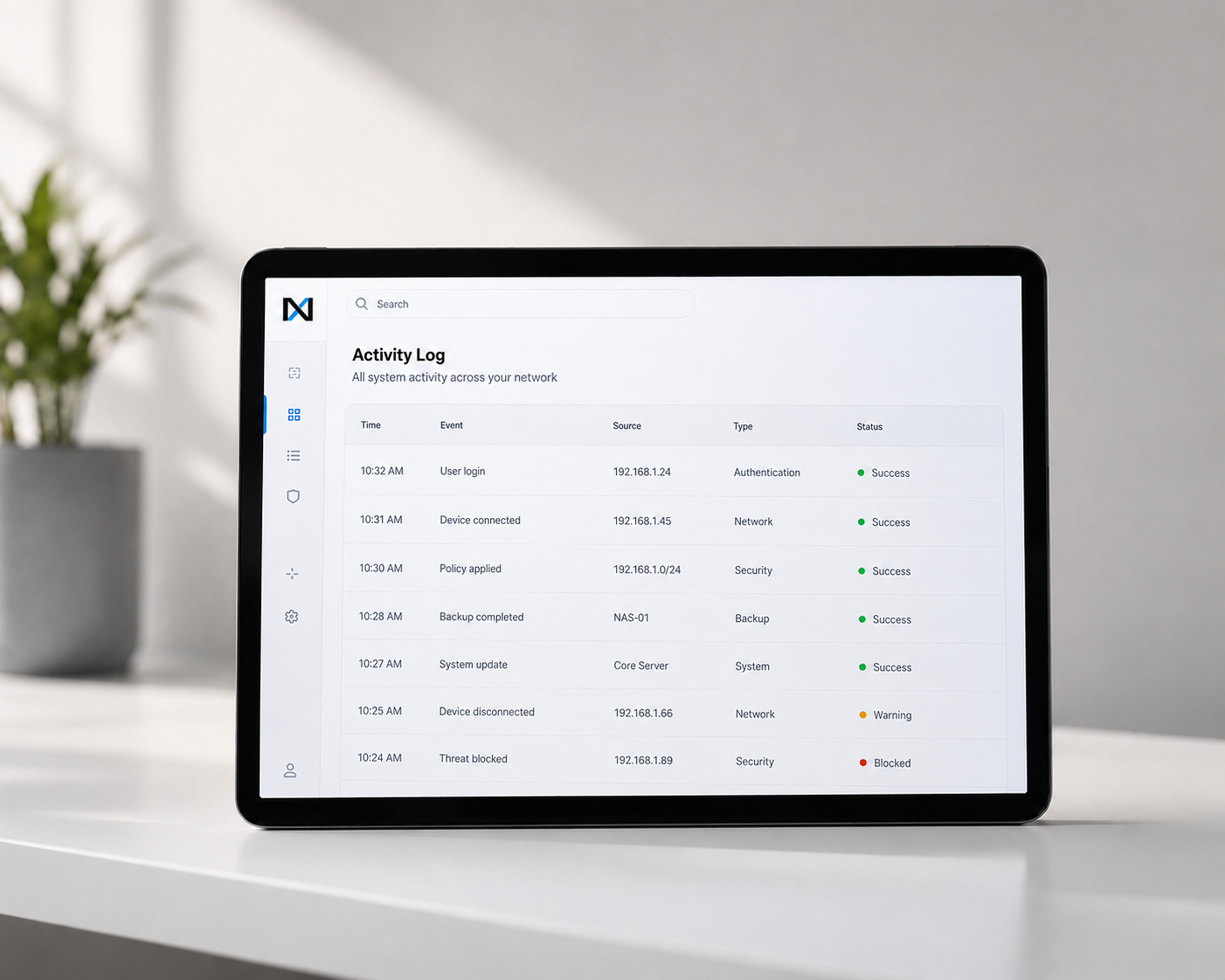
The AI is part of the operating system.
Not a plug-in and not a separate SKU. The AI Engine ships with every NOS install, sees the same records your team sees, and — with permission — acts on any part of them.
- Conversational NOC in 24 languages
- Safe auto-fix library, human-in-the-loop
- Root-cause analysis across layers
- Predictive care with drafted outreach

Your subscriber data stays on your rack.
NOS runs where you rack the Core. Subscriber records, RADIUS credentials, invoice history — none of it leaves your network unless you explicitly opt in to a support telemetry channel. Backups go to your object store of choice.
- Data-plane isolation between tenants
- Encrypted at rest with your keys
- Backups to S3-compatible object storage
- Air-gapped install supported
Everything the operating system carries.
A short reference of what ships on a Standard-edition Core. Advanced adds cluster failover; Enterprise adds contractual SLAs and TAM support.
Zero-touch provisioning
Native TR-069 / TR-369 ACS, plan-driven configuration, no scripts.
Learn moreLive telemetry
SNMP, NetFlow, IPFIX, sFlow — correlated so every outage has a location.
Learn moreSubscriber billing
Monthly, prepaid, hybrid and corporate contracts on local gateways.
Learn moreFinance & inventory
ERP-grade GL, tax, multi-currency, procurement and asset tracking.
Learn moreRADIUS & AAA
A production RADIUS server built in. PPPoE, IPoE and EAP-TLS.
Learn moreRole-based access
Fine-grained roles for NOC, engineering, care and finance staff.
Learn moreOne product. Four licensing tiers.
Every edition is the same operating system; the license controls the scale, the support tier and the AI budget. Move up when the operator does — no re-migration.
NOS Community
Evaluation, lab and small deployments up to 500 subscribers.
- Full NOS with Netxol One
- AI Engine — daily conversation cap
- Community forum support
- One-tenant only
NOS Standard
The default license for a Core X1 or Core X5.
- Full NOS with Netxol One
- AI Engine — Standard tier
- Business-hours support with 4-hour response
- All Companion Apps
NOS Advanced
PopularRegional operators running a Core X5 or Core X20.
- Everything in Standard
- AI Engine — Advanced tier (voice + code + reports)
- 24/7 support with 1-hour response
- Cross-appliance failover
- Priority backports for LTS branches
NOS Enterprise
National carriers running a Core X100 cluster.
- Cluster-aware NOS build
- AI Engine — Advanced, dedicated inference
- Dedicated Technical Account Manager
- Contractual 99.999% SLA
- Quarterly business reviews
A public roadmap and a public changelog.
Every release ships with signed images, published changelogs and a supported upgrade path. LTS branches are backported for two years.
- Conversational NOC in 24 languages
- Cluster-aware installer for Core X100
- Per-tenant AI budget controls
- Signed Subscriber App builds for iOS and Android stores
- AI Voice NOC (English + Spanish)
- RADIUS 3.x with EAP-TLS
- GIS field-routing engine
- Prometheus and OpenTelemetry exporters
- Unified data layer across NMM, CRM and ERP
- Zero-touch provisioning for GPON and XGS-PON
- Native TR-069 / TR-369 ACS
- Web console with role-based access control
- AI-authored operations playbooks
- Live-migration between Core nodes without service impact
- Native Slack, Teams and Discord bridges for NOC alerts
Whatever OLT, ONT or router you already own.
NOS speaks its language.
NOS ships with adapters for every major fibre and IP vendor. SNMP, SSH/CLI, TR-069 and TR-369 all built in — plug the Core into your network and it picks up the gear you own without a rip-and-replace.








We stopped staffing a queue. The queue went away. The same engineers are now working on growth — not copy-pasting OLT commands.
— Head of Network Operations · regional FTTH operator
Read the full deploymentRelated from Netxol.


Questions we get on the first call.
How is NOS licensed?
A single key per Core, tied to the operator. Community edition is free forever with a 500-subscriber cap; Standard, Advanced and Enterprise are annual, sized to subscriber bands or negotiated per cluster.
Can I run NOS on my existing hardware?
Community edition can. Standard and above are tied to a Netxol Core appliance — the pairing is what lets us commit to the SLAs and the AI budget.
What happens to my subscriber data?
Everything stays on your Core. Netxol never receives subscriber data unless you turn on an opt-in support telemetry channel.
How do releases work?
Stable ships every quarter, LTS every twelve months and is backported for two years. Enterprise gets release-candidate access and case-by-case hotfixes.
Can I upgrade from Community to a paid edition?
Yes — the same NOS install activates the higher tier the moment you enter a new key. Nothing to migrate.
Boot NOS on a Core, or download the free Community edition.
Rack the appliance, boot the OS, activate the license — production-ready in an afternoon. Or spin up NOS Community on your own hardware.