
One console for every OLT, whatever the badge on the chassis.
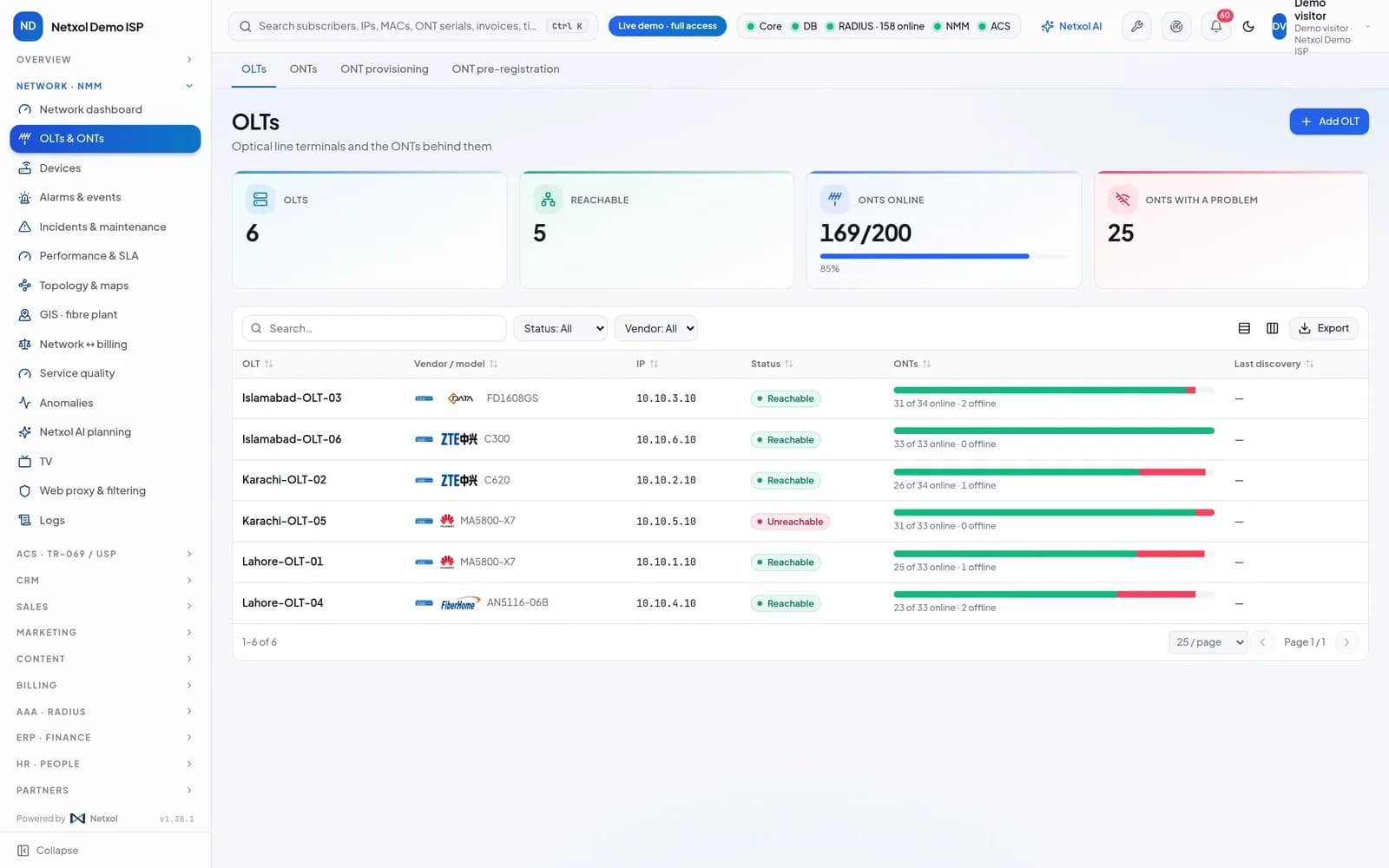
Netxol OLT Management puts Huawei, ZTE, C-Data, FiberHome, Nokia, V-SOL, BDCOM and more behind one vendor-neutral interface. Manage every chassis, card and PON port from one place, read Tx/Rx optical power per PON port, configure services with validation, and run GPON and XGS-PON side by side. It is SNMP-first for speed with an SSH/CLI fallback per action, so it works on the gear you already own.
- Vendor-neutral OLT provisioning
- GPON and XGS-PON side by side
- Per-PON-port optical power (Rx/Tx)
- SNMP-first with SSH/CLI fallback
Why Netxol OLT Management.
Every benefit below traces back to a specific capability in the platform — not a marketing slogan. See the capability grid at the bottom of the page for the full register.
One interface, every vendor.
A vendor-neutral abstraction means your team learns one workflow, not one per manufacturer — and you keep your existing OLT investment when you adopt the platform.
Configure once, apply anywhere.
Service and VLAN profiles apply to any PON port from the console, with validation before apply — so standing up capacity is one workflow, not one per vendor.
Catch a dying feeder weeks early.
Tx/Rx optical power is read at the OLT and per PON port with threshold alarms, so a degrading link raises a warning long before subscribers notice a problem.
GPON and XGS-PON, together.
Run current and next-generation PON on the same console as you upgrade, with port utilisation showing you the next congestion point before it bites.
Huawei, ZTE, C-Data, FiberHome, Nokia, V-SOL — one workflow.
Every supported OLT is driven through the same vendor-neutral model, with differences handled by per-vendor adapters. Adding a vendor is a plugin, not a release — and SNMP-first operation keeps bulk actions fast, with SSH/CLI fallback where a command needs it.
- Vendor-neutral OLT abstraction
- Per-vendor adapters, added as plugins
- SNMP-first with SSH/CLI fallback per action
- Test SNMP and per-action method selection
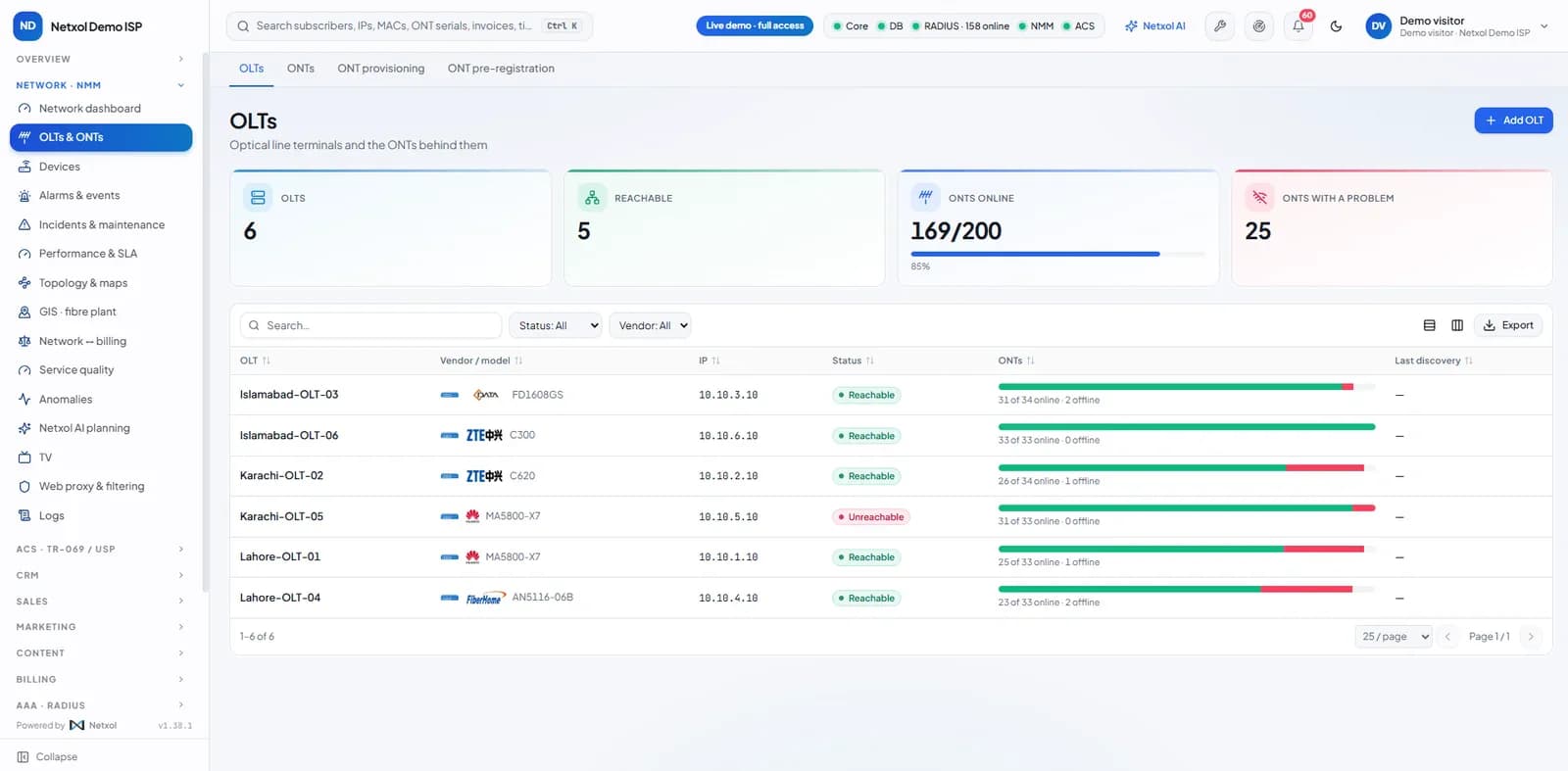
Optical power and PON-port health, with thresholds that warn you early.
Rx and Tx dBm are read at the OLT and per PON port and compared against thresholds, so a degrading feeder or a dirty connector raises an alarm weeks before it becomes a support call. Port utilisation and uplink health sit next to the reading.
- Optical power at the OLT and per PON port
- Threshold alarms on degradation
- PON port utilisation and capacity view
- Uplink health and capacity
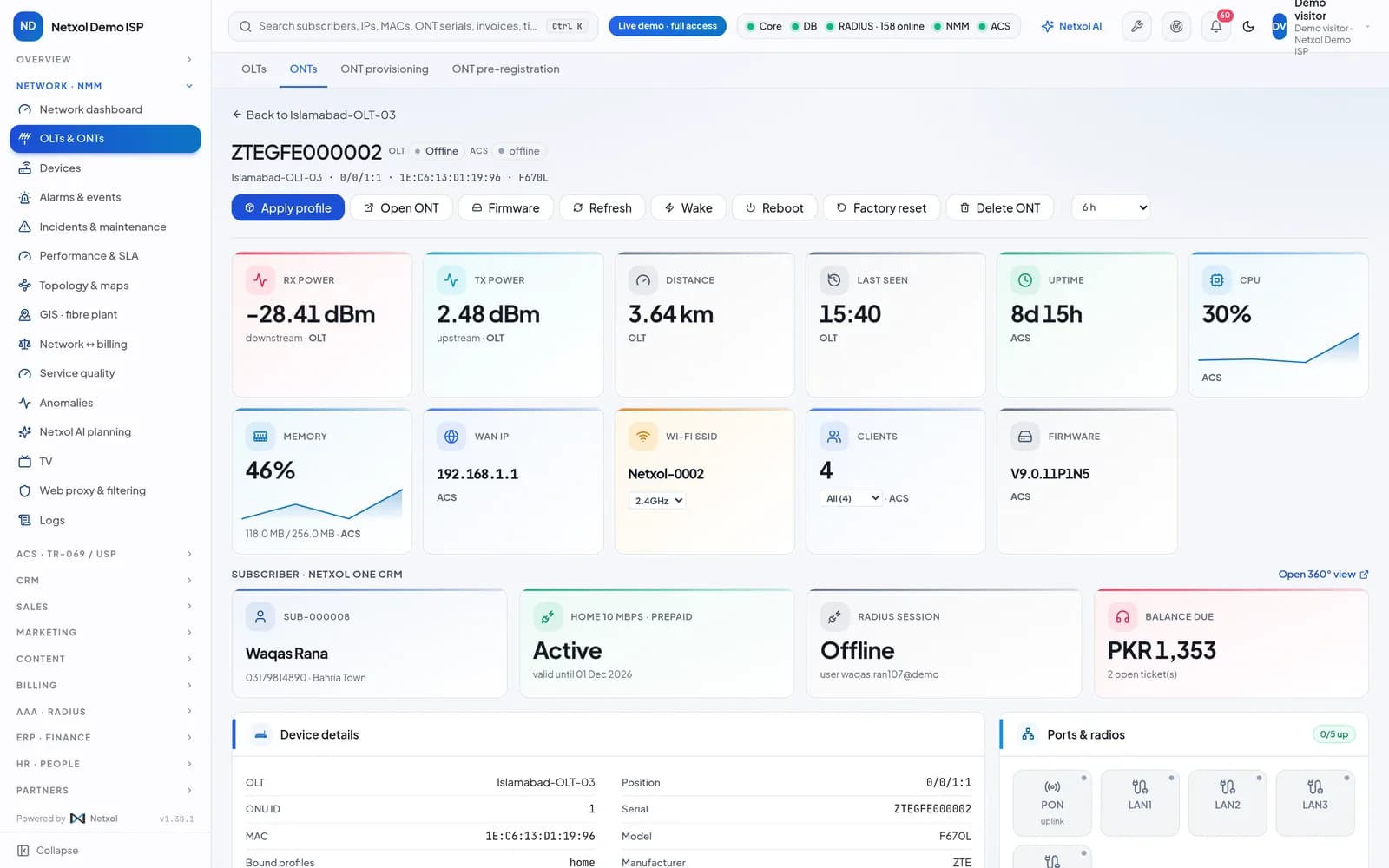
OLT configuration from the platform, validated and audited.
Change OLT and service-port configuration from the console with validation before apply, and every change writes to an audit trail. GPON and XGS-PON profiles are managed side by side as you migrate.
- OLT and service-port configuration management
- Validation before apply
- GPON + XGS-PON + EPON profiles
- Change audit trail
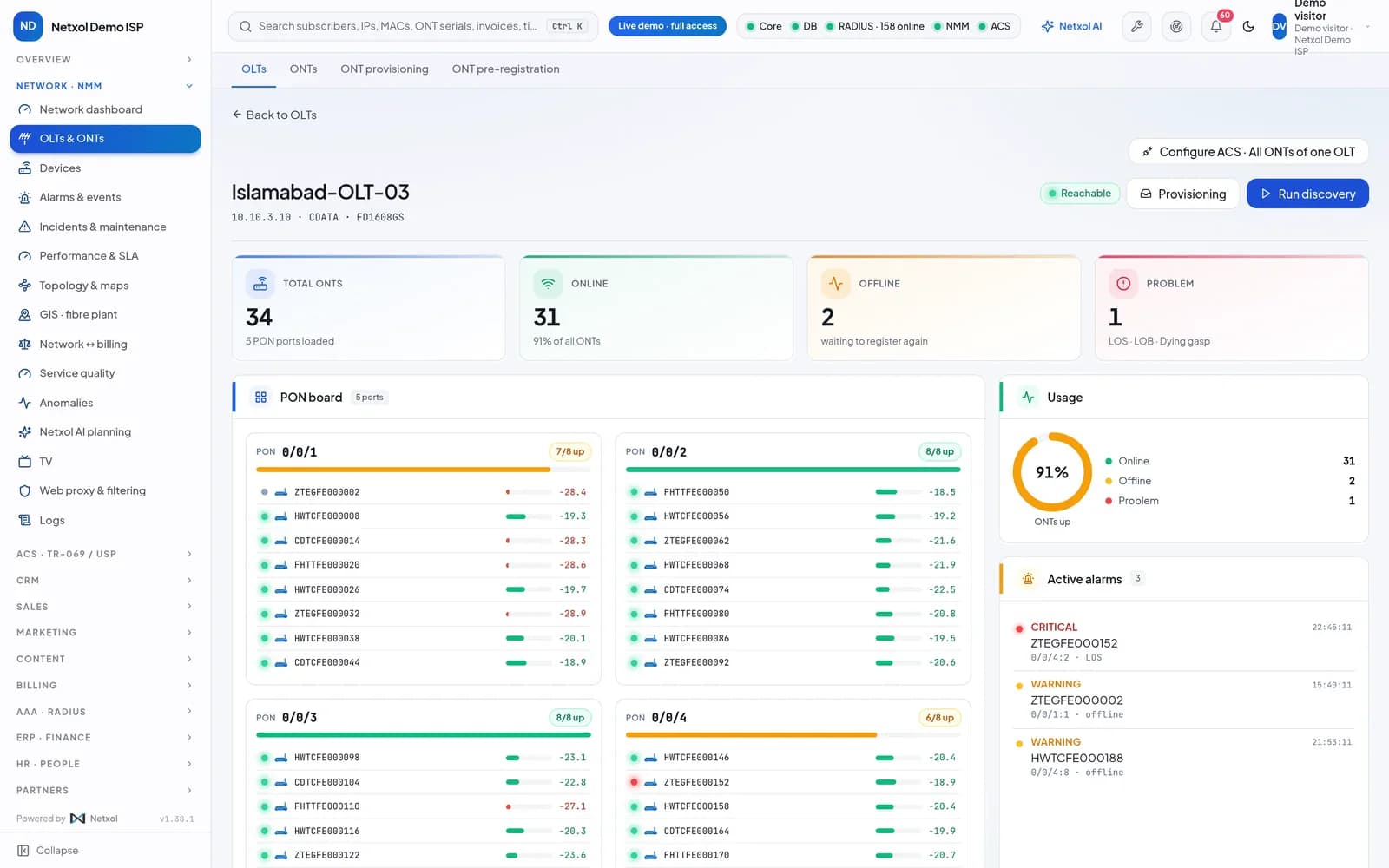
The fibre operator’s core screen.
OLT Management shares the graph with Monitoring, the ACS and the subscriber record, so an optical alarm, a RADIUS session and a customer ticket are the same story. It is included in Full NMM and in the Essentials bundle.
Multi-vendor OLT
Huawei, ZTE, C-Data, FiberHome, Nokia, V-SOL, BDCOM and more.
OLT inventory
Chassis, slots, cards and ports in one record.
Optical power monitoring
Tx/Rx dBm per PON port — catches a dying feeder early.
PON port utilisation
Load and health per port shows the next congestion point.
Uplink monitoring
Uplink load, health and capacity per OLT.
GPON / XG-PON / XGS-PON / EPON
Every fibre access technology in the target markets.
OLT configuration mgmt
Change from the platform with validation and audit.
SNMP-first operation
Fast bulk reads and actions over SNMP v2c/v3.
SSH / CLI fallback
Per-action fallback where a command needs it.
Test SNMP
Verify reachability and credentials before you provision.
Change audit trail
Every configuration change recorded.
Questions we get on the first call.
Which OLT vendors are supported?
Vendor-neutral management ships for Huawei, ZTE, C-Data, FiberHome, Nokia, V-SOL, BDCOM and more. Adding a new vendor is a plugin adapter — the platform does not require a new release, and you keep your existing hardware.
SNMP or CLI?
SNMP-first for speed, with an SSH/CLI fallback selectable per action, and a Test SNMP check before you provision. Both v2c and v3 are supported.
Does it do GPON and XGS-PON?
Yes — GPON, XG-PON, XGS-PON and EPON, managed side by side so you can migrate on one console.
Where is the use-case view of OLT automation?
This page is the OLT Management product and its capabilities. For the operator outcome — running multi-vendor PON with less effort and fewer truck rolls — see the OLT management solution at /solutions/olt-management.
Is OLT Management sold on its own?
It is a module you can take on its own, and it is also included in Full NMM and in the Essentials bundle alongside Billing, CRM + RADIUS/AAA and Monitoring.
Manage every OLT from one screen.
Netxol OLT Management ships pre-installed on every Netxol Core. Talk to sales for a scoped pilot, or read the OLT management solution at /solutions/olt-management for the operator outcome.